Better prompts.
Better results.
Turn a simple idea or detailed request into a clear, production-ready prompt for image or video generation.
What Prompt Optimizer can do
Expand simple ideas
Start with a few words. Prompt Optimizer develops your idea with suitable composition, lighting, style, camera direction, motion, and atmosphere.
Respect your requirements
Already have a detailed prompt? It improves clarity and structure without changing your subject, text, colors, style, or other essential requirements.
Create for any audience
Turn a simple idea into a polished, localized creative with region-appropriate language, messaging, and style.
Understand your images
Upload your main image and relevant references for product transforms, human transforms, image edits, and image-to-video requests. The optimizer uses them to create a more accurate, context-aware prompt.
Improve video direction
Create clearer instructions for movement, camera motion, pacing, transitions, continuity, and atmosphere based on your selected video model and duration.
Create platform-ready prompts
Get prompts tailored for product campaigns, e-commerce, social media, posters, lifestyle content, and other creative formats.
Explore alternative directions
Try different approaches to the same idea and choose the best result.
How it works
Six simple steps to move from a vague idea to exactly the creative asset you need.
Enter your idea
Write anything from a vague idea to a complete prompt. Describe what you want to create, change, or transform.

Add the required context
For product transforms, human transforms, image edits, and image-to-video requests, upload the main image and all relevant references before optimizing. For text-to-image and text-to-video, you can begin with just your written idea.

Check your video settings
For text-to-video and image-to-video, select the correct video model and duration. The optimizer uses these settings to create suitable motion, pacing, and shot direction.

Optimize your prompt
Click Optimize Prompt and review your current prompt. Confirm when you are ready to continue. Each optimization uses 1 credit, and you will always be asked to confirm before a credit is deducted.
Optimize prompt?
This will improve your prompt and create alternative directions using 1 credit.

Review and create
Your optimized prompt appears alongside your original prompt, making it easy to review what was improved. Use the optimized version to generate your image or video.
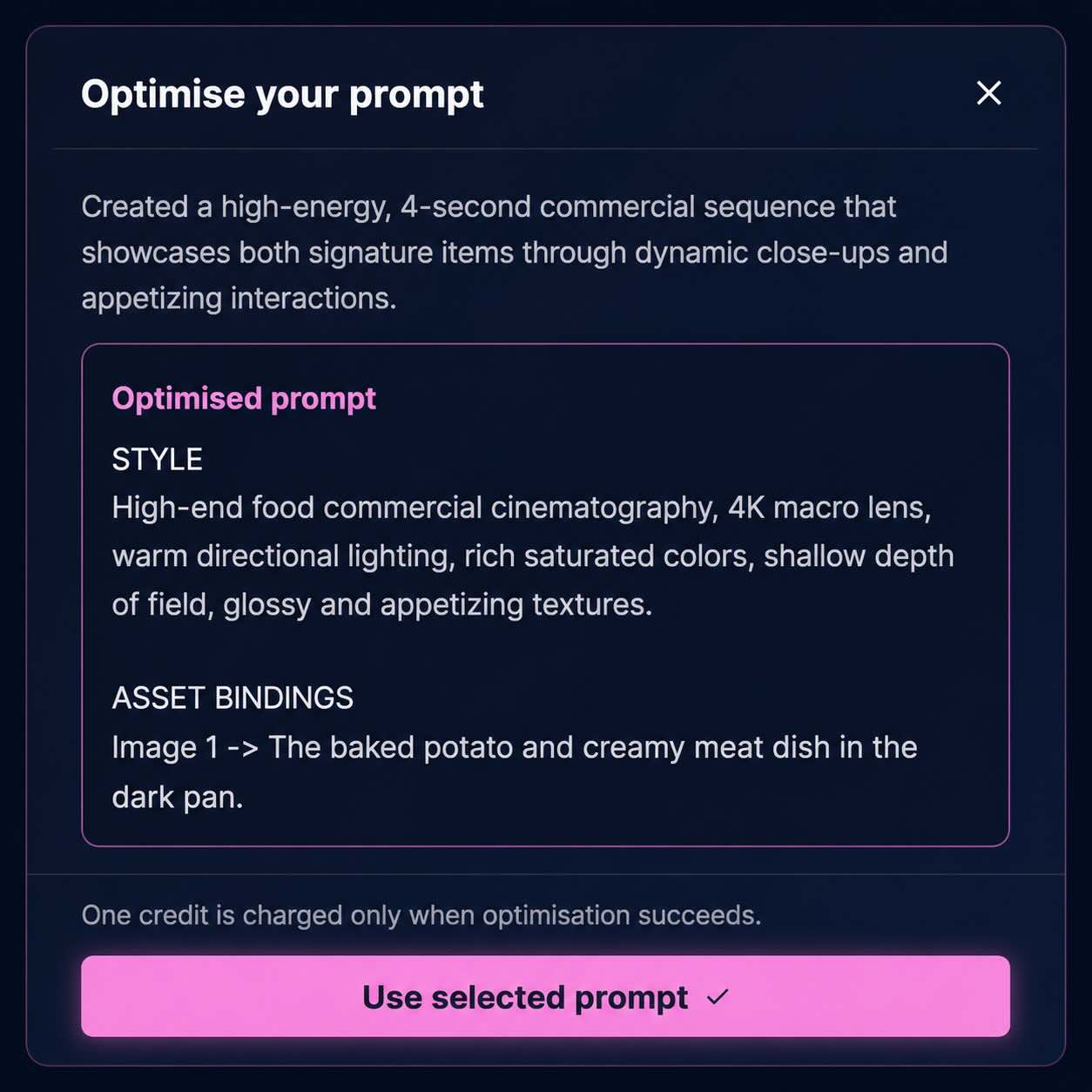
Try alternative directions
Explore different creative approaches to the same idea. Generate any direction, compare the results, and choose the version that works best.
Alternative directions
Try different approaches to the same idea and choose the best result.
Start with an idea. Leave with a production-ready prompt.
Whether you are creating an image, transforming a photo, presenting a product, or directing a video, Prompt Optimizer helps you communicate your idea clearly and get closer to the result you imagined.
See the complete ecommerce ad creative workflow →Not sure which model to use? How intelligent model selection works →