
Published: 2026-01-21 14:41:51 UTC
If you are designing your Amazon listing on a 27-inch monitor, you are likely failing the "Squint Test."
Here is the harsh reality of 2026: Over 80% of Amazon traffic is mobile. Yet, thousands of FBA sellers are still uploading images with tiny fonts, cluttered layouts, and "infographics" that turn into unreadable blurs on an iPhone screen.
With the rollout of Amazon’s A10 Algorithm, the rules have shifted. A10 doesn’t just care about keywords; it cares brutally about Conversion Rate and Seller Authority. If a user clicks your listing (perhaps from external traffic, which A10 loves) but bounces because they can’t read your images, your ranking tanks.
Stop being a technician tweaking fonts in Photoshop. Start being a Creative Director. Here is how to use Truepix AI to solve the "Text vs. Mobile" crisis and feed the A10 beast.
Before using AI to transform your images, you must know where the "Red Line" is. Violating Amazon’s image policy triggers immediate listing suppression—making your product invisible to the A10 algorithm.
1. The "Zero Tolerance" Zone (Main Image Only)
Amazon allows no flexibility here. To avoid suppression, your Main Image must meet these exact criteria:
2. The "Creative Freedom" Zone (Images 2–7)
This is where you sell. Amazon actually recommends using graphics here to convert customers.
3. The Risk: Why "Slipping Through" Fails
You may see competitors with non-compliant main images (e.g., colored backgrounds). Do not copy them. Amazon’s enforcement is automated and rolling. A non-compliant image might work for a week, but when the hammer drops, your listing is suppressed, your sales history pauses, and your "Seller Authority" (a key A10 metric) takes a permanent hit.
The Truepix AI Strategy: Use Product Transform to generate a compliant, RGB 255 white background for your Main Image instantly, then unleash your creativity on images 2-7.
Amazon is ruthless about the Main Image. It must be on a pure white background. If you mess this up, your listing gets suppressed.
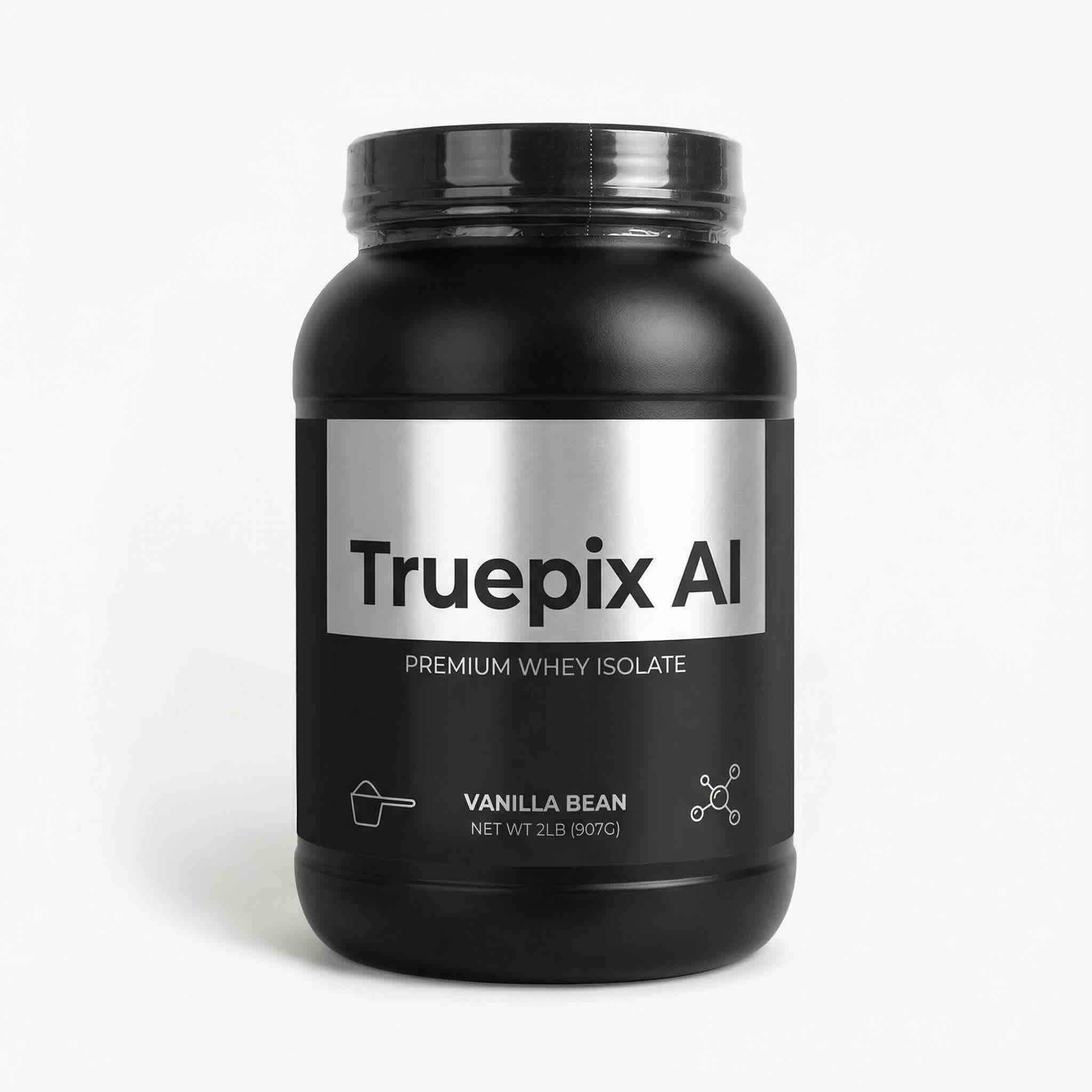
Instead of paying for expensive clipping paths, use Truepix AI Product Transform. You can take a casual photo of your product on a table, upload it, and use a specific prompt to force a studio-grade, algorithm-compliant result.
The Strategy: Don't just remove the background; relight the product so it looks premium.
The biggest mistake sellers make is relying on text overlays to explain features.
Using Product Transform, you can place your product in its "natural habitat." Because the human brain identifies images in just 13 milliseconds (MIT), a visual scene stops the scroll instantly—long before a shopper can even attempt to read a text overlay.
Selling Coffee? Don't write "Steaming Hot." Generate a scene of the mug on a rainy window sill with steam rising.
Selling Headphones? Don't write "Noise Cancelling." Generate a scene of the headphones on a focused commuter in a busy, blurred subway.
Why A10 Loves This: Higher engagement + lower bounce rate = Higher Ranking.
Sometimes, you need text. You need to show "20g Protein" or "Organic Ingredients." The problem? Overlaying text in Canva often looks cheap and disconnects from the lighting of the image.
Truepix AI’s Product Transform can actually render text onto the product or into the scene realistically, ensuring it integrates with the lighting and perspective.
The Workflow:
1. Upload your base product image.
2. In the prompt, describe the scene and explicitly state the text you want to appear.
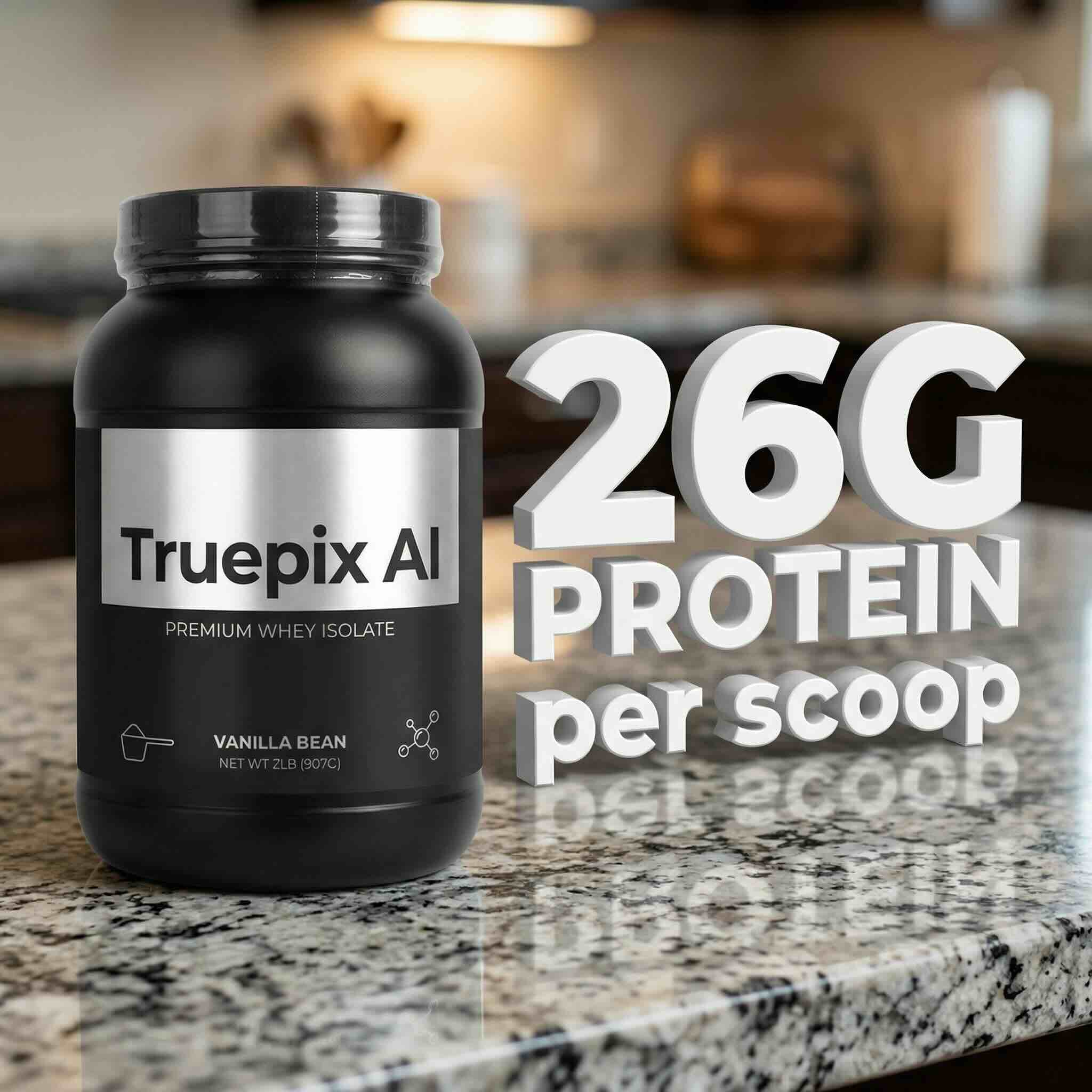
(Visual Idea: A tub of protein powder sits on a granite kitchen counter. Next to it, the text "20G PROTEIN per scoop" is rendered not as a flat sticker, but as 3D text resting on the counter, casting a subtle shadow that matches the jar. It is big, bold, and readable on mobile.)
This technique keeps the image "clean" for the algorithm while delivering the hard data the customer needs.
If you browse top-selling brands like Anker or Nike on Amazon, you’ll see they’ve moved away from long, scrolling images. They are using Bento Grids—modular, grid-based layouts that allow users to digest multiple angles and features in one glance.
This is critical for mobile users who hate endless scrolling.
How to create this with Truepix:
You don't need a graphic designer. You can use Truepix's Image-to-Image feature to orchestrate this.
1. Take 2-3 photos of your product from different angles (Front, Side, Detail).
2. Upload them to Truepix.
3. Use a prompt to arrange them into a cohesive grid layout.
Learn the full workflow here: How to Create AI Ad Visuals and Grids for Agencies
By presenting a grid, you increase "dwell time" (how long a user looks at your image), another signal the A10 algorithm uses to boost your rank.
The A10 algorithm values Brand Authority. If your images look like a mishmash of different styles, you look like a reseller, not a brand.
Truepix solves this via Subject Consistency. Whether you are generating a white background main image, a lifestyle shot in the rain, or a Bento Grid, Truepix understands your specific product.
The Bottom Line:
Amazon A10 doesn't care how hard you worked on your listing. It cares if people buy.
Tiny fonts = No Buy.
Boring white backgrounds (beyond the main image) = No Buy.
Visual Storytelling = Conversion.
Yes. By using the specific prompt in Product Transform specifying 'pure white background hex code #FFFFFF', Truepix isolates your product on a background that meets Amazon's strict RGB 255, 255, 255 requirement to avoid listing suppression.
No. Amazon's policy strictly prohibits text, logos, or graphics on the Main Image. It must show the product only. Text is only allowed on secondary images (images 2-7) and A+ content.
As of 2026, the A10 algorithm places significantly higher weight on Seller Authority, external traffic sources, and conversion rates, prioritizing products that generate immediate revenue over those with just keyword optimization.
A Bento Grid is a modular, grid-style layout used in secondary images or A+ content. It allows sellers to show multiple angles or features in a single glance, which is highly effective for mobile users who prefer not to scroll excessively.
Stop fighting the mobile screen. The Amazon A10 algorithm rewards clarity, conversion, and authority. Use Truepix AI Product Transform to turn your listing into a conversion engine that looks perfect on every device.